1. แนะนำเบื้องต้น
2. เปลี่ยนธีมร้านค้าออนไลน์
1. แนะนำเบื้องต้น
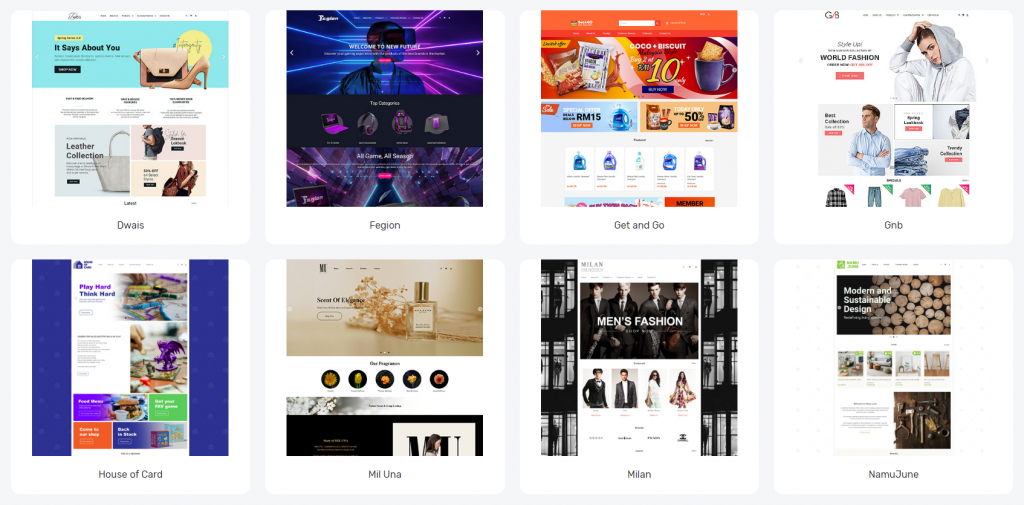
SiteGiant มีตัวเลือกธีมสำเร็จรูป หลายรูปแบบที่ออกแบบมาสำหรับประเภทธุรกิจที่แตกต่างกัน คุณสามารถเปลี่ยนธีม ได้ตลอดเวลา และปรับแต่งเลย์เอาต์ ร้านค้าออนไลน์ ใหม่อีกครั้งตามความต้องการของคุณเอง
2. เปลี่ยนธีมร้านค้าออนไลน์
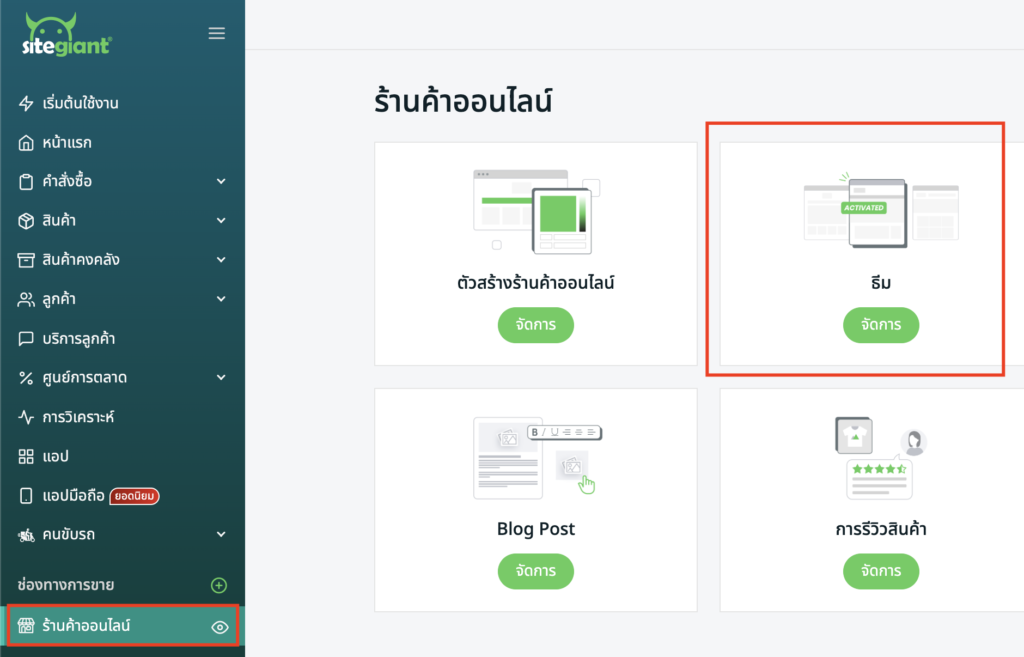
ขั้นตอนที่ 1: ไปที่ ร้านค้าออนไลน์ > ธีม
ขั้นตอนที่ 2: คลิก ดูตัวอย่าง เพื่อดูตัวอย่างธีม > เมื่อเลือกเรียบร้อยแล้ว ให้คลิก เปิดใช้งาน นำธีมไปใช้งาน
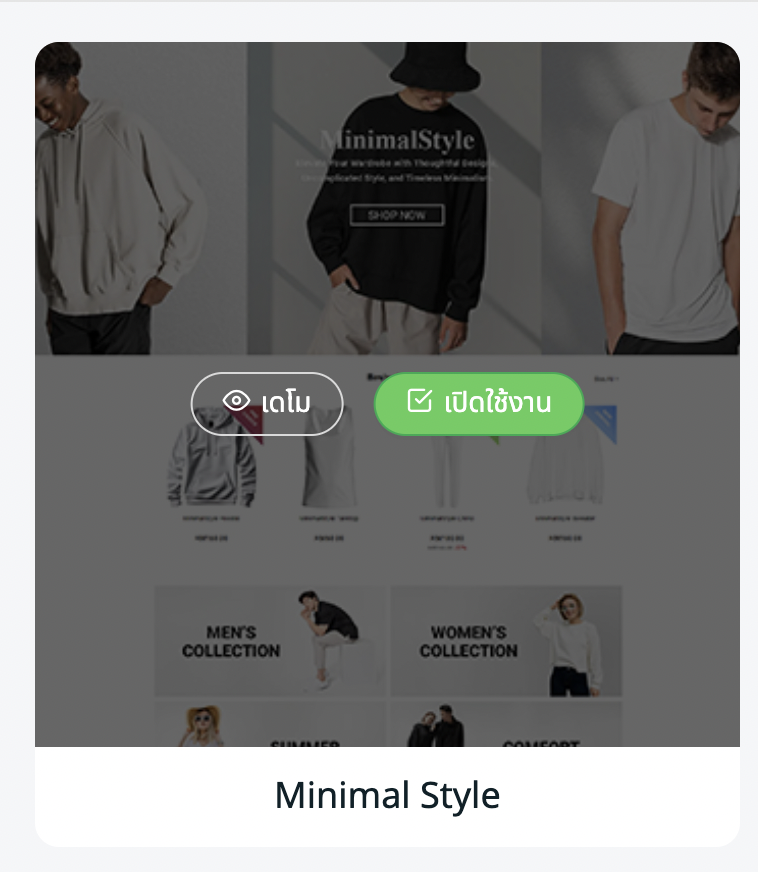
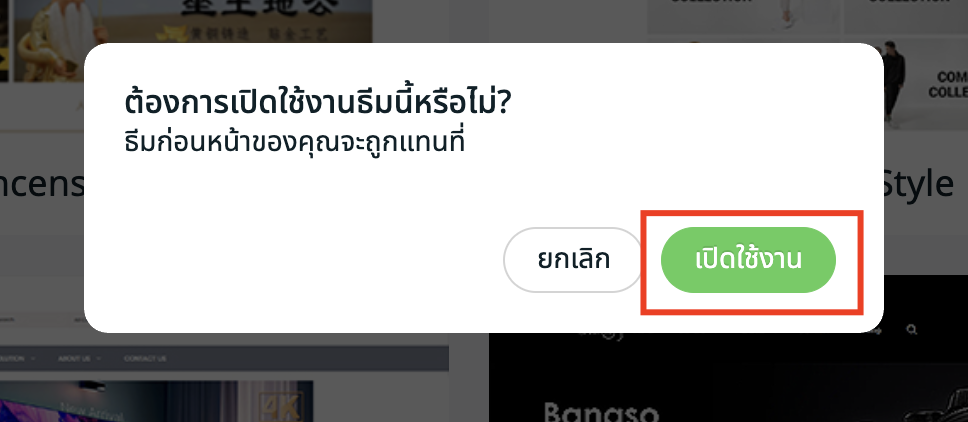
ขั้นตอนที่ 3: เลย์เอาต์ธีมปัจจุบันของคุณใน เครื่องมือสร้างร้านค้าออนไลน์ จะถูกเขียนทับให้คลิก เปิดใช้งาน เพื่อยืนยัน
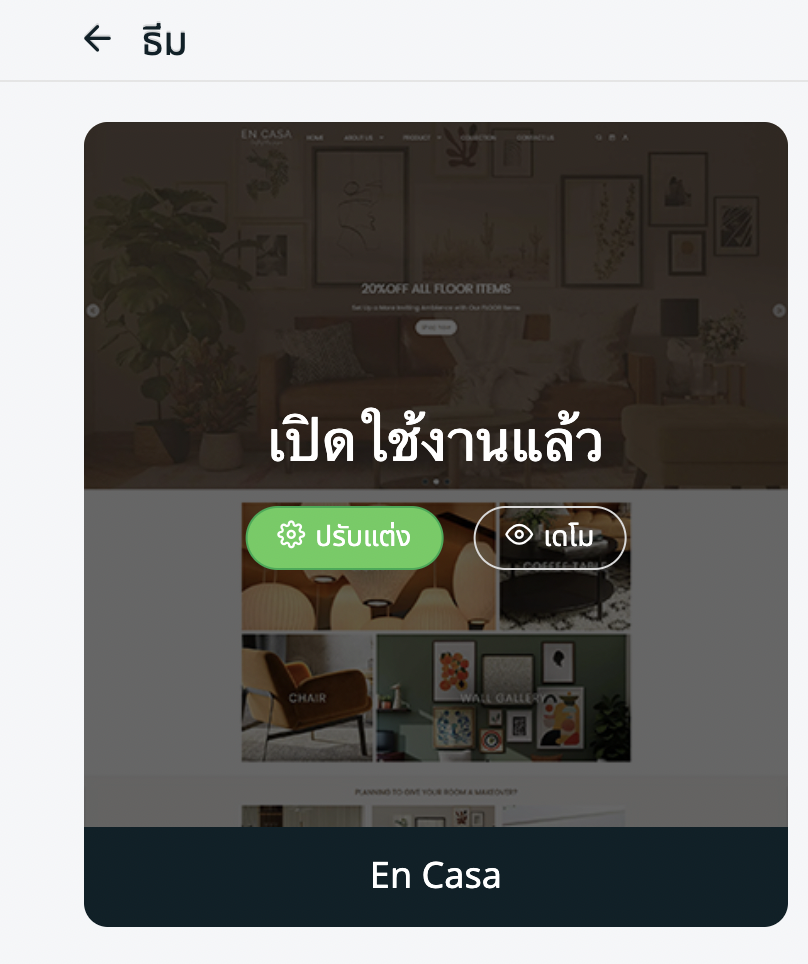
ขั้นตอนที่ 4: คุณสามารถคลิก ปรับแต่ง เพื่อดำเนินการออกแบบเลย์เอาต์ต่อใน เครื่องมือสร้างร้านค้าออนไลน์